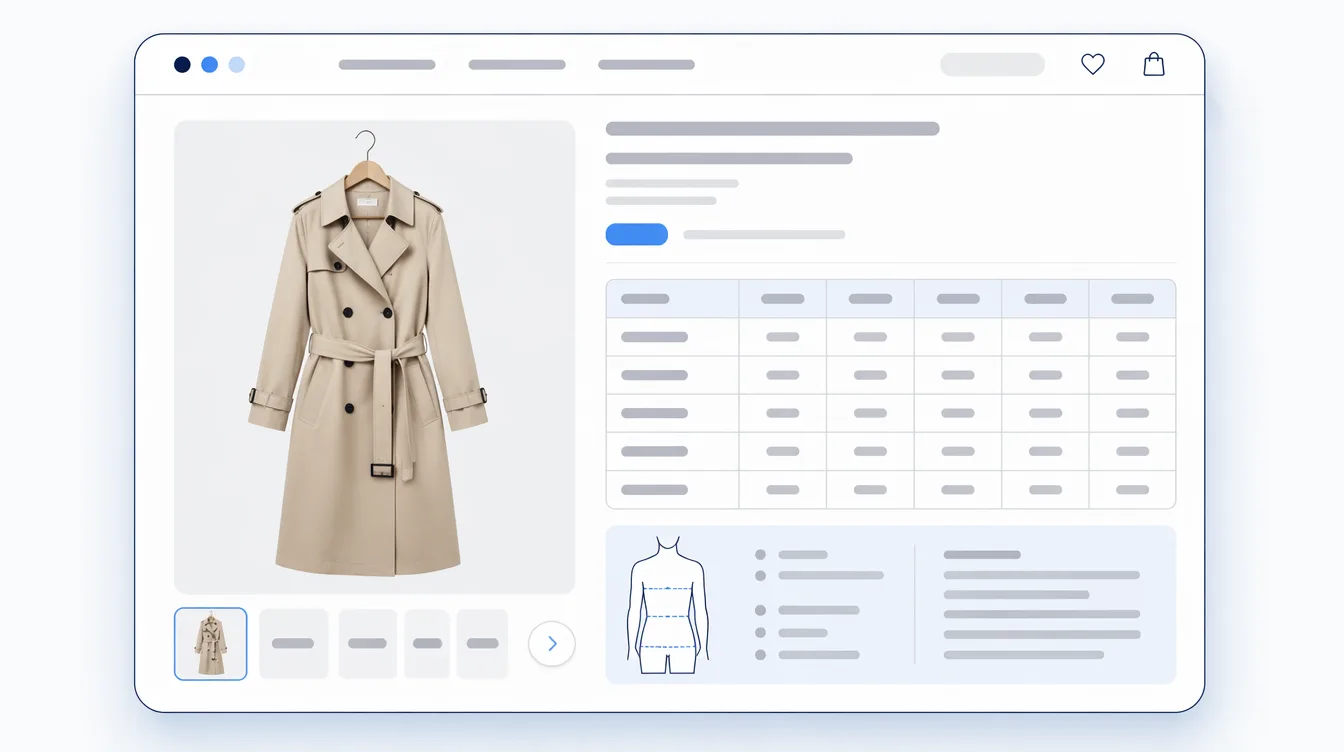

Furniture shoppers ask two questions about size, and most product pages answer only one of them. The first is will it fit where I want it: between the window and the radiator, with room left to walk past. The second is will it get there at all, meaning through the front door, along the hallway and round the turn at the top of the stairs. A single W × D × H line doesn't fully answer either.
Shoppers do go looking for the numbers. In Baymard Institute's 2026 survey of 1,598 US online shoppers, 49% rated written dimensions and 42% rated a dimensions image as essential to feeling confident a piece would fit their space. Reviewer photos and lifestyle images came in at 38% each. So publish them. The harder call is which ones, and how.

Which furniture dimensions belong on the product page?
Start with overall width, depth and height, in both inches and centimetres. That's the floor, not the finish. Nobody buys a sofa to admire its outline; they buy it to sit on. So the numbers that decide a purchase are often the smaller ones:
- Sofas and chairs: seat height and seat depth, plus arm height if the arms are part of the look.
- Tables and desks: table height, and the clearance under the apron, which is whether knees and chair arms fit underneath.
- Beds: the height with a mattress on, not just the frame, and which mattress size the frame takes.
- Storage: the depth with doors or drawers fully open. That's the number that collides with the bed across the room.
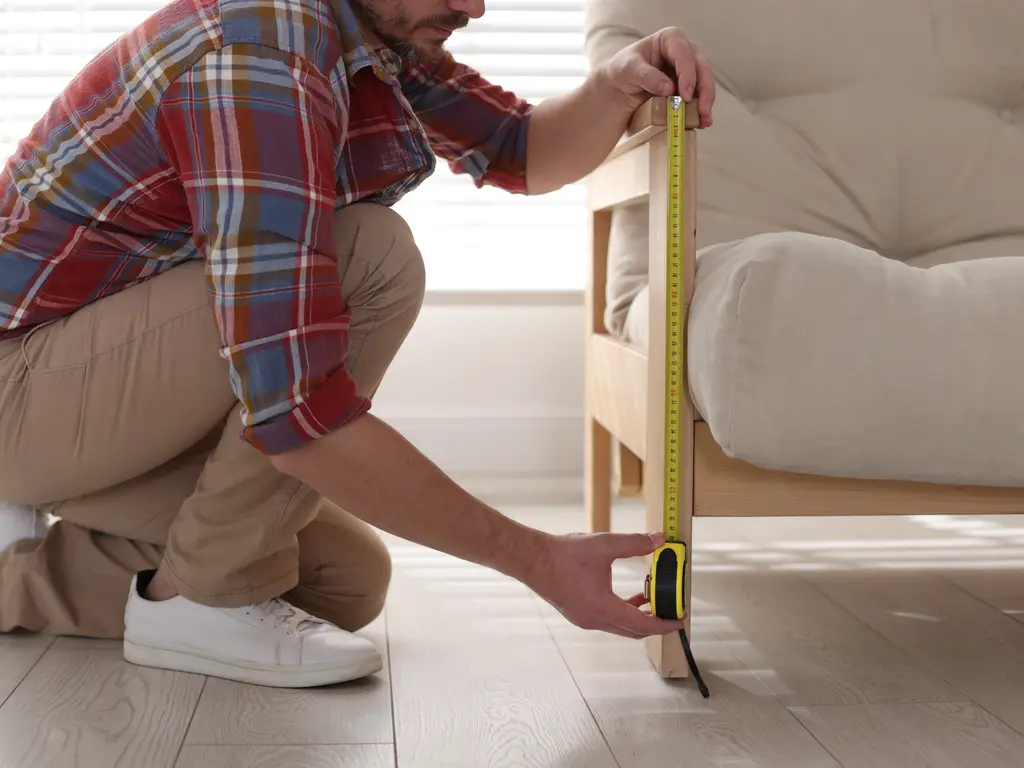
Then put those numbers on a picture. Baymard's testing found users struggling with dimensions given as text alone. One participant didn't know what "apron to floor" meant; others couldn't map a list of figures onto an L-shaped sofa. Its recommendation is a "Dimensions" image that visually links each measurement to its location on the product, placed right next to the written dimensions and legible on a phone without zooming.
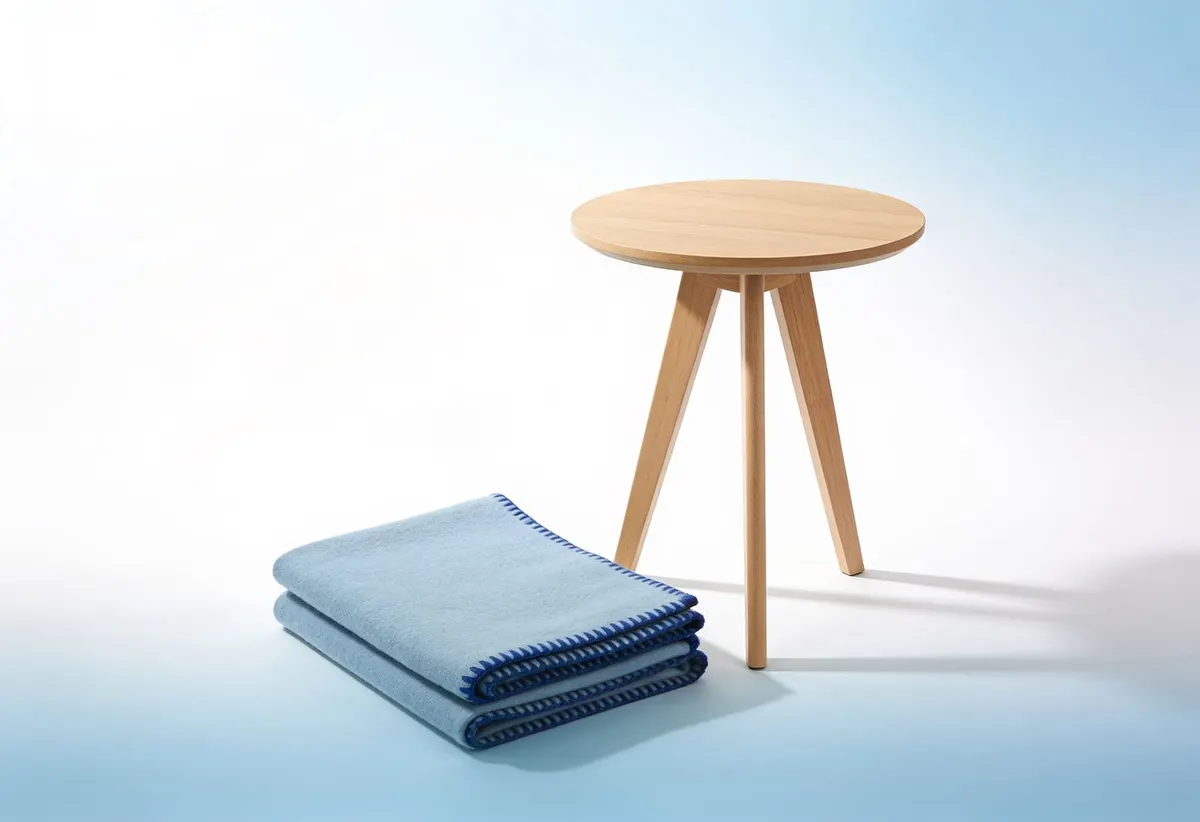
One more image earns its place: a photo that shows the piece in scale, in a room or beside something whose size everyone knows. In an older Baymard study, 42% of users tried to judge a product's overall size from its images, and 28% of the 60 major ecommerce sites it benchmarked had no in-scale image at all. A clean studio shot tells you the sofa is blue. It won't tell you it's taller than the windowsill.
The number the room doesn't show: will it get through the door?
Consumer Reports tells furniture buyers to measure "all the entryways, doorways, hallways, stairwells, and elevators" a piece has to pass through. Good advice. But a shopper can only hold their tape measure up against numbers you give them, and the ones that matter here usually aren't on the room list at all.
The box, for anything delivered boxed
If it arrives in a carton, the carton is what has to get through the door. List the width, depth, height and weight of each box, one by one if there's more than one. Sixpenny, a direct-to-consumer furniture brand, lists box dimensions on every product page and asks shoppers to leave an inch or two of extra room to manoeuvre.

Diagonal depth, for anything that arrives assembled
A sofa that won't go through a doorway flat can sometimes go through tilted on its end. Pottery Barn's measuring guide uses a figure called diagonal depth to judge whether a piece can be brought in that way. And nobody can measure the diagonal depth of a sofa they don't own yet. If it isn't on your page, it doesn't exist anywhere the shopper can reach.
Say whether the legs come off, too, and what the height is without them. Sometimes that's the last couple of centimetres.
A few lines on what to measure
From the product page, link to a short guide on measuring the route: the door frame at its narrowest point with the door fully open, the hallway, the stair width and any tight landing, the elevator door and the inside of the car. Pottery Barn's guide also flags low-hanging fixtures, which everyone forgets until the light fitting is in the way.
It's worth the trouble because a no-fit lands on the shopper first. Among the retailers Consumer Reports looked at in 2020, restocking fees were typically 10–20%, and delivery charges often weren't refunded unless the item arrived damaged. Someone who has paid that once tends to remember where they bought it.
Keep the numbers in fields, not in the description
Typed into a description, dimensions drift. The three-seater gets corrected and the two-seater doesn't; one page says inches and the next says centimetres. Shopify's own help centre uses this exact case as its example for metafields: a product metafield called Dimensions that displays width, height and depth in a dedicated section of your theme.
Fields also make gaps visible. An empty "box dimensions" field across thirty products is a to-do list; the same gap buried in thirty descriptions stays invisible until a customer asks (we made the longer case for this in The Product Information Checklist). And where the size changes by variant, say a two-seater and a three-seater, keep the numbers on each variant instead of one line trying to cover both.
Which products to fix first
Not the whole catalogue at once. Start where a no-fit is most likely, and most expensive to undo:
- Sofas, sectionals and armchairs: bulky, often delivered assembled, and diagonal depth applies.
- Beds, wardrobes and tall bookcases: long and tall pieces are the ones that meet stair turns and low ceilings.
- Anything customers already ask about: if support keeps answering "will this fit through a 30-inch door?", the answer belongs on that page.
- Products with size in their return reasons: your own return data already knows which pages are failing the question.
For each one the checklist is short. Overall dimensions in both units, the dimensions of use, a labelled dimensions image, one in-scale photo, every box with its weight, diagonal depth and removable legs where they apply, and a link to the measuring guide. We'd rather see five products done completely before anyone touches the sixth. A half-filled template across two hundred pages looks finished. It isn't.
This is the problem we built Mitasu for Home around, and it's now on the Shopify App Store. It adds dimension sheets per furniture type, with a labelled dimension figure and a centimetre/inch toggle, and a doorway-fit check that compares the packaged size with the narrowest point the shopper has measured. The check runs in the browser and says plainly that it's a guide, not a guarantee. Whatever you build it with, the test is the same: can a shopper answer both questions before they pay?
FAQ
What dimensions should a furniture product page include?
Overall width, depth and height in both inches and centimetres, plus the dimensions that decide how the piece is used: seat height and depth for sofas and chairs, table height and the clearance underneath, bed height with a mattress on, and storage depth with doors or drawers open. Put them on a labelled image next to the written numbers.
Should I list the box dimensions?
Yes, for anything delivered boxed. The box is what has to get through the door, so list each one's width, depth, height and weight, box by box if the item ships in more than one.
What is diagonal depth, and why should the seller list it?
It's a measurement furniture retailers publish for sofas and armchairs, used to judge whether the piece can be carried through a doorway tilted on its end. A shopper can't measure it on a sofa they don't own yet, so it has to come from the seller.
Where should furniture dimensions live in Shopify?
In their own fields rather than the product description. Shopify's help centre gives a Dimensions metafield, shown in a dedicated section of the theme, as its example. Fields keep variants consistent and make missing values easy to spot.
Sources: Baymard Institute — Furniture & Home Decor Quantitative UX Insights 2026; Baymard Institute — Furniture UX: Always Provide a "Dimensions" Image; Baymard Institute — Provide at Least One "In Scale" Image; Consumer Reports — How to Make Furniture Delivery and Returns as Hassle-Free as Possible (2020); Sixpenny — How to Measure for Furniture Delivery; Pottery Barn — How to Measure for Furniture; Shopify Help Center — Metafields.