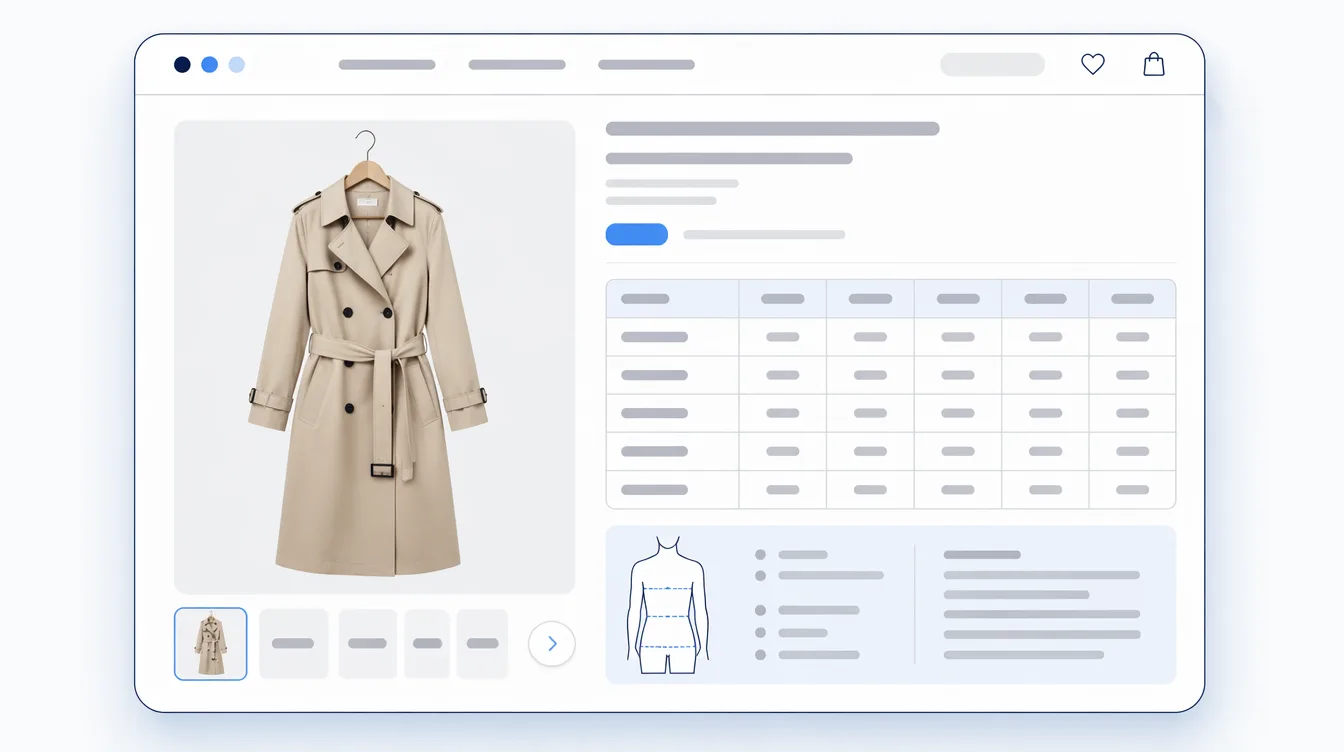

Add a product in Shopify and you get a product page, whether you thought about it or not. It sits at /products/your-handle, your theme decides how it looks, and it went live the moment you saved. That part is free.
The hard part is the question the page has to answer, which is the same question a shopper asks in a shop while holding the thing: is this the right item, in the right size, and can I trust you to send it? This piece works through what Shopify actually gives you to answer that, what belongs on the page for your kind of product, and where product pages measurably fall short. Numbers link to their source, as always. There is a short section on AI, because two specifications published in the last year changed who reads a product page. It is not an AI article.

What a Shopify product page actually is
On the storefront it is one product, one URL, laid out by whichever product template your theme assigns. In the admin, the screen you edit is called the product details page, and Shopify's documentation lists what sits on it: title and description, media, category, pricing, inventory, quantity, shipping, variants, purchase options, metafields, product disclosures, the search engine listing, product status, publishing, insights, product organization, and the theme template.
Read that list back and the useful thing becomes obvious. A Shopify product page is not a document you write. It is a record you fill in, plus a theme that lays the record out. Two things follow from that, and most product-page problems are one of them:
- Anything you type into the description is a single block of text. It reads fine and it does nothing else.
- Anything you put in a field can be reused. Displayed in its own place on the page, filtered on, exported, sent to a sales channel, filled in for two hundred products at once.
No theme changes that, which is worth knowing before you spend a weekend on layout.
What you get out of the box, and the limits worth knowing
| Part | What it decides | Worth knowing |
|---|---|---|
| Title and description | The name shoppers see, and the prose under it | Shopify's SEO guidance: page titles up to 70 characters (keep to 60 to avoid truncation), meta descriptions around 160 |
| Media | Images, video and 3D models, in the order you set | Per file: images up to 20 MB and 25 megapixels; video up to 1 GB and 10 minutes |
| Category | Which standard product type this is | Choosing it unlocks category metafields that map to that category, and feeds channels that need a standardized type, plus the tax rate under Shopify Tax |
| Price and variants | What it costs and which combinations exist | Since 15 October 2025 a product can carry up to 2,048 variants, against the long-standing limit of 100 |
| Metafields | Your own fields, for whatever Shopify has no box for | Where fit notes, garment measurements, care instructions and the rest belong. A theme that supports dynamic sources can display them without code |
| Search engine listing | The page title and meta description search engines show | Separate from the product title, so the shop-facing name and the search-facing one can differ |
| Theme template | Which layout this product uses | Products get the default product template; any other template in your live theme shows up in the dropdown |
The variant number is the one that changed recently, and for apparel it changed something real. Size by colour by length used to collide with the old ceiling of 100 on anything with a decent size run. Shopify raised it to 2,048 for all merchants on 15 October 2025, with the caveat in the same note that apps not built on the supported GraphQL product APIs can behave badly past 100 variants. If you sell in wide size runs, go and look at your own app list.
What belongs on the page depends on the product
There is no universal list, and guides that hand you one are guessing on your behalf. The test we use is narrower: what could a shopper check by picking this up in a shop, that they cannot check on your page? Everything that survives that question belongs on the page. Everything else is decoration.
That gap is worth taking seriously, because somebody has measured it. Baymard Institute's product page benchmark, updated on 18 March 2026 from more than 30,000 manually scored product pages across 155+ benchmarked sites, puts 52% of desktop, 62% of mobile and 64% of app product pages at "mediocre or worse" overall. The specifics are more useful than the headline:
- 44% do not show or link to the return policy from the main product page content
- 37% give no image with a scale reference
- 23% show no human model
- 57% do not present size options as buttons
- 67% give no estimate of the total order cost on the page
Those are findings, not advice. Our reading of them: every one is a "cannot pick it up" gap rather than a design gap. Nothing there is fixed by a nicer layout, and all of it is fixed by publishing a fact you already know.
| You sell | What the shopper cannot judge | What goes on the page |
|---|---|---|
| Clothing | Whether it fits, and what it feels like | Size chart, garment measurements, model height and size worn, fit note, fabric composition and care |
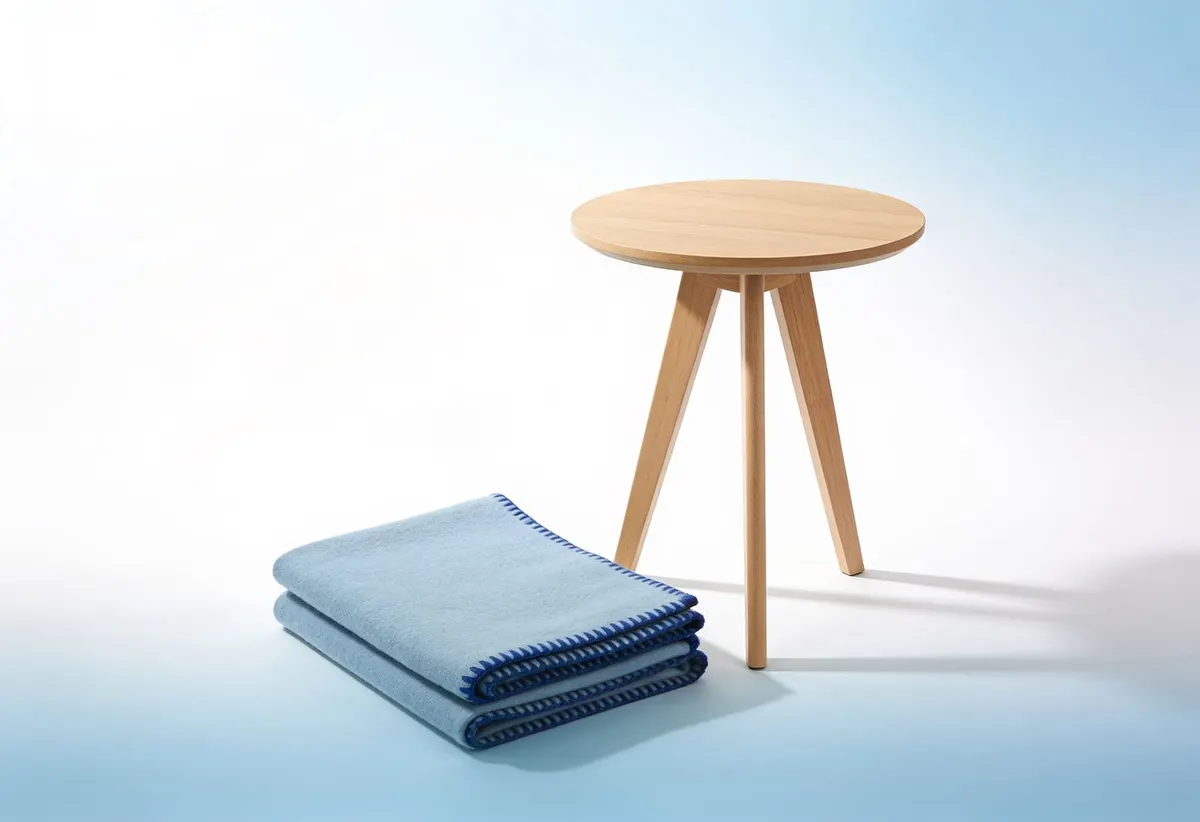
| Furniture and homeware | Whether it fits the room, and gets through the door | Assembled dimensions, seat and clearance heights, carton sizes, weight, assembly |
| Skincare, food, supplements | What is in it, and whether it suits them | Full ingredients, allergens, volume, how to use, shelf life |
| Tools and electronics | Whether it works with what they already own | Specifications, compatibility, what is in the box, power and connectors |
| Anything shipped | When it arrives, and what happens if it is wrong | Dispatch timing and the return terms, on the page, not only in the footer |
Notice what that table doesn't say: that every page needs everything. A page with the right five facts beats a page with thirty, and the right five differ by category. If you sell one product type, you are choosing once.
For apparel, the gap is size, fit, and what it is made of
In a shop this information is on a label, and the shopper reads it in two seconds without asking anybody. Online the label is unreachable. Whatever the page does not say, the shopper either guesses at or emails you about, and a guess about size arrives back as a return.
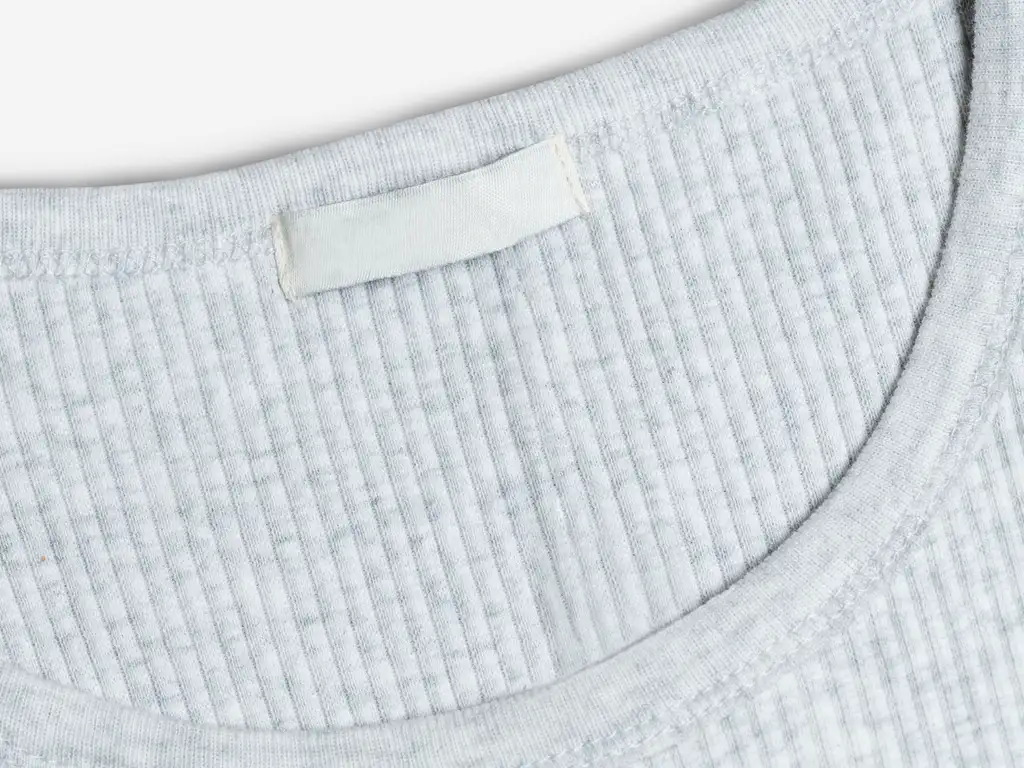
What earns its place on an apparel product page, in the order we would fill it in:
- A size chart, with the measurements labelled as what they are. Garment measurements and body measurements are different numbers and shoppers mix them up constantly. Say which you published, and where on the garment you measured. Our guide to building a size chart that actually gets used goes through the how.
- Model height and the size worn. The cheapest fit information there is. You already know both.
- A fit note in plain words. "Runs about half a size small", "generous through the shoulder". One sentence that saves a shopper the arithmetic.
- Composition and care. Not as a hedge against complaints, as a decision input: 100% linen tells a buyer how it will wrinkle and how it will feel. We went into why material and care sit so close to returns separately.
- The things a photo flatters. Transparency, stretch, lining, weight. If it is slightly sheer, say it here rather than in a return conversation.
There is a second reason to hold size as a field rather than a sentence. Google Merchant Center requires the size attribute for free listings across all Apparel & Accessories > Clothing and Shoes products, and for Shopping ads on clothing and shoes in Brazil, France, Germany, Japan, the UK and the US. It also wants each variant submitted as a separate product sharing one item_group_id, and a standard size value for the country you sell into. The same facts are doing two jobs, so put them somewhere both jobs can read.
The product description is not a database
This is the single most common product page mistake we see, and Shopify says the same thing in its own documentation. On metafields: "Instead of adding this information to your product description, you can display each field in its own section of your theme, with unique values for each product." Its examples are a toy store's recommended age and a furniture store's dimensions.
The difference does not show on the first product. It shows on the second edit. A fact in a field can be filled for two hundred products at once, shown in a fixed place so shoppers learn where to look, exported, and sent to a channel. A fact in the description can be read. That's the whole list.
And a blank field is visible as a blank. A missing sentence inside a paragraph of prose is not, which is why "some of our pages are thin" is easy to feel and hard to locate. Our five-question product information checklist is built around that problem.
Shopify product page SEO: the page has to say it out loud
Start with the plumbing. It's quick. Shopify's own SEO guidance asks for a unique, descriptive page title with your important keywords near the front, a unique meta description in plain direct language, descriptive alt text that says what the image shows, and readable phrases rather than keyword lists. It also suggests at least 250 words of descriptive content on a product page. Treat that as a floor for thin pages, not a target to pad towards.
Then structured data, where the interesting rule lives. For a merchant listing experience, Google requires name, image and an offers block carrying price and currency, and recommends the attributes you would expect from this article: size, color, material, brand, and variant relationships through inProductGroupWithID or isVariantOf. A current Shopify theme generally emits the required part for you, though we would confirm it with Google's Rich Results Test on one product rather than assume.
The rule that matters is in Google's structured data policies: "Don't mark up content that is not visible to readers of the page", and "Your structured data must be a true representation of the page content." So markup is not a shortcut. You cannot declare a material the page never mentions. The order is: publish the fact, then describe it in the markup.
Which brings up the part everyone is asking about. Two specifications published in the last year let a shopper buy without visiting the page at all: OpenAI's product feed spec, which requires item ID, title, description, URL, brand, seller name, image, availability and price, and defines size, material and dimensions as further attributes; and Google's Universal Commerce Protocol. Shopify's Spring '26 Edition puts its own catalog in that path, saying it "automatically standardizes and enriches your product data", and claims that data syndicated by Shopify "drives 2x more conversion in AI chats". That last figure is Shopify's own measurement, published without a methodology, so read it as direction rather than a number to plan against.
Here is what we take from all three. Not one of them asks for a new page type, an AI plugin, or a rewrite. They ask for the same product facts, in named fields, expressed once. Making a product page machine-readable turns out to be the same work as making it useful to a person who is trying to decide.
Mobile and speed: the part that gets worse as you add
Baymard's split is the number to sit with: 52% of desktop product pages rated mediocre or worse, against 62% on mobile. Same information, less room. If you only ever check your product page on a laptop, you are reviewing the better version.
Speed has published thresholds, so there is nothing to argue about. Google's Core Web Vitals want Largest Contentful Paint under 2.5 seconds, Interaction to Next Paint under 200 milliseconds and Cumulative Layout Shift under 0.1, judged at the 75th percentile of real loads. The slowest quarter of your visitors decides your result.
The good news is that information is cheap. A thousand words of measurements and care notes is a couple of kilobytes. What costs is the machinery brought along to display it, and Shopify caps that per app: an app "must not reduce storefront Lighthouse performance scores by more than 10 points". Worth reading twice, because ten points is the ceiling for one app, and nobody caps the number of apps. We took that apart in adding the information without making the page slow.
The mistakes that cost the most
- Measurements only inside an image. A size chart as a JPG is unsearchable, unselectable, unreadable to a screen reader, and invisible to anything parsing the page.
- Every fact inside the description. Fine to read, useless to reuse. This is the one that quietly caps everything else you might do later.
- Return terms only in the footer. 44% of benchmarked sites make the shopper go looking. The decision is being made on the product page.
- No scale reference and no model. 37% and 23% respectively. Both are free to fix on your next shoot.
- Blank fields on your best sellers. Audit by revenue, not alphabetically. Twenty products will tell you whether the gap is one supplier or the whole catalogue.
- The supplier's description, pasted. Shopify asks for unique, readable descriptions, and your competitors were sent the same file.
- Installing your way out of it. Four apps to add four sections is four sets of assets on the page. Check what each one costs before, not after.
A Shopify product page checklist
Ten minutes per page, pass or fail, no scoring:
- Can a shopper find the size or dimensions without leaving the page, and as text?
- Is it obvious whether those are garment measurements or body measurements?
- Is there a photo with something in it that gives scale, and a photo of the item in use or worn?
- Does every image have alt text that says what it shows?
- Is the material or what it is made of on the page, and the care requirement with it?
- Are dispatch timing and the return terms visible or linked from the main content?
- Does the page answer the question you get by email about this product most often?
- Are those facts in fields rather than only in the description?
- Does the search engine listing have a unique title and description, not the default?
- Does the page hold its layout while it loads, and does it still pass on a phone on mobile data?
If you want a priority: start with items 1, 5 and 6 on your twenty best sellers. That is the smallest piece of work that changes what a shopper can decide.
Where an app fits, and where it does not
Shopify already ships the storage. Metafields hold your own fields, category attributes come with the product category, and a theme with dynamic sources can display them without anybody touching code. If that covers what you sell, you are done, and you should not install anything.
It stops covering it at scale, and in a specific way: somebody has to decide which fields an apparel product needs, fill them for the whole catalogue, and lay them out on the page in a form a shopper reads instead of skips. That is the work, not the storage.
That is the gap Mitasu for Apparel was built for. It adds apparel product information through a product-page app block, so there is no theme code to edit: size charts and measurement guides, model-worn information, material notes, fit votes and a size confidence badge, complete-the-look examples, and product FAQs. Charts and sections are assigned in bulk and overridden per product, with CSV import and export, on a free plan and a Pro plan.
The honest limits, because they matter more than the feature list. It is apparel-only, so it is no use to a homeware store. It does not write your product descriptions and it does not generate product information for you, because the facts are yours. And no app makes you rank: publishing the information is what does anything, whether you do it with an app, with metafields, or by hand.
Frequently asked questions
What is a Shopify product page?
It is the page Shopify creates for each product you add, at /products/ plus the product handle, laid out by the product template in your theme. In the admin you edit it on the product details page, which holds the title and description, media, category, pricing, inventory, shipping, variants, metafields, the search engine listing, publishing and the theme template.
What should a Shopify product page include?
Everything a shopper could check by picking the item up in a shop and cannot check on a screen. For clothing that is size and garment measurements, model height and size worn, fit, composition and care. For furniture it is dimensions and delivery. Across every category, shipping timing and return terms belong on the page: Baymard's 2026 benchmark found 44% of sites do not show or link to the return policy from the main product page content.
How do I add product details without editing my theme?
Two supported routes. Shopify metafields store your own fields and a theme that supports dynamic sources can display them through the theme editor. Or an app built as a theme app extension: Shopify's documentation says apps in that framework "don't edit theme code", and you place their blocks yourself in the theme editor.
Does a size chart belong on the product page?
For clothing and shoes, yes, and as text rather than an image. Beyond the shopper: Google Merchant Center requires the size attribute for free listings on all Apparel & Accessories > Clothing and Shoes products, and for Shopping ads on clothing and shoes in Brazil, France, Germany, Japan, the UK and the US. If you keep size only inside a chart image, you have it for nobody but a human with good eyesight.
Does adding more information slow the page down?
The text does not. A thousand words of measurements is a couple of kilobytes. What slows a page is the machinery installed to display it, which is why Shopify requires that an app not reduce storefront Lighthouse performance scores by more than 10 points. Measure a product page before and after you install anything.
Sources: Shopify Help Center — Product details page; Shopify Help Center — Metafields; Shopify Help Center — Product category; Shopify Help Center — Uploading and managing files (image and video limits); Shopify Help Center — Adding keywords for SEO; Shopify developer changelog — The product variant limit is now 2048 for all merchants (15 October 2025); Shopify.dev — Theme app extensions; Shopify.dev — App performance; Shopify Editions — Spring '26; Google Search Central — Merchant listing structured data; Google Search Central — Structured data general guidelines; Google Merchant Center Help — Size attribute; OpenAI — Agentic Commerce: Product Feed Spec; Google for Developers — Universal Commerce Protocol; web.dev — Web Vitals thresholds; Baymard Institute — Product Page UX benchmark (updated 18 March 2026). All URLs checked on 12 September 2026.